Introduction
In today’s fast-paced business environment, managing finances efficiently is critical for success. Whether you run a small startup, a growing company, or a large enterprise, choosing the right accounting software can save time, reduce errors, and provide valuable insights into your financial health. An effective accounting software comparison helps business owners understand the strengths and weaknesses of different platforms before making an investment.
With countless solutions available on the market, selecting the best option can feel overwhelming. Some software focuses on ease of use, while others offer advanced reporting, automation, or industry-specific tools. This comprehensive accounting software comparison will help you understand the key features, benefits, and considerations when evaluating accounting software for your business.
Why Accounting Software Matters
Accounting software has evolved far beyond simple Bookkeeping tools. Modern platforms automate repetitive tasks, generate real-time reports, track expenses, manage invoices, and integrate with other business systems.
Businesses that use accounting software often experience improved financial accuracy and better decision-making. Instead of relying on spreadsheets and manual calculations, companies can access organized financial data instantly. This allows business owners to focus more on growth strategies and less on administrative work.
An accounting software comparison becomes essential because not every solution is designed for the same type of business. What works perfectly for a freelancer may not meet the needs of a manufacturing company or a multinational corporation.
Key Features to Evaluate in an Accounting Software Comparison
Ease of Use
One of the first factors to consider is usability. Software should have an intuitive interface that allows users to perform tasks without extensive training.
A clean dashboard, simple navigation, and clear reporting tools can significantly improve productivity. Small business owners often prioritize ease of use because they may not have dedicated accounting departments.
Invoicing and Billing
Modern accounting software should streamline invoice creation and payment tracking. Automated invoicing helps businesses reduce delays and improve cash flow.
Look for systems that allow recurring invoices, payment reminders, and online payment integrations. These features minimize manual effort while ensuring customers pay on time.
Expense Tracking
Accurate expense management is essential for maintaining profitability. Accounting software should categorize expenses automatically and provide clear visibility into spending patterns.
Many platforms now allow receipt scanning through mobile apps, making expense reporting much easier for teams working remotely or traveling frequently.
Financial Reporting
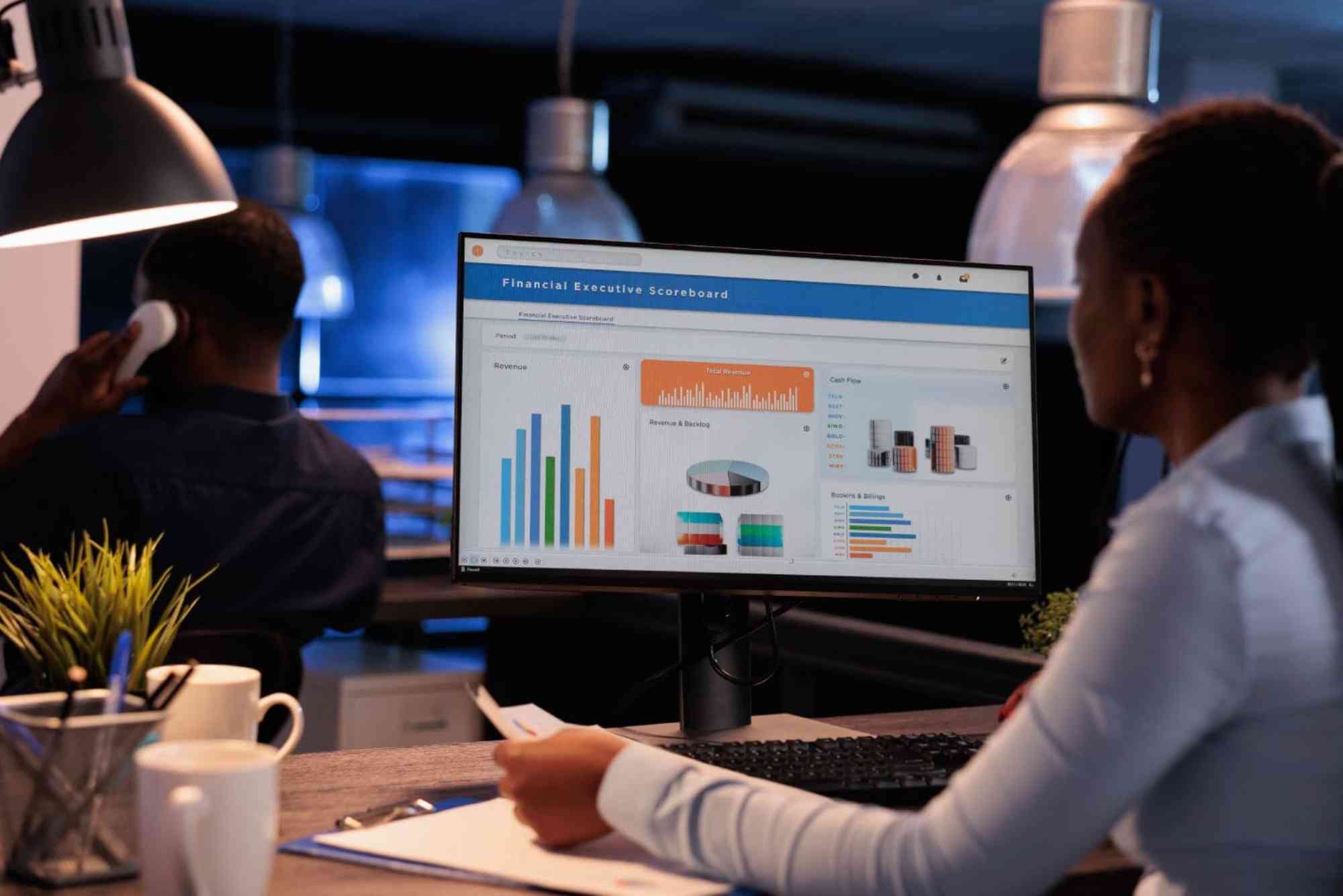
Comprehensive reporting capabilities are a major factor in any accounting software comparison. Financial reports provide insights into revenue, expenses, profits, and cash flow.
Business owners should ensure the software can generate balance sheets, income statements, and cash flow reports. Advanced platforms also offer customizable dashboards and forecasting tools.
Automation Features
Automation reduces repetitive work and minimizes human error. Tasks such as bank reconciliation, invoice generation, payroll processing, and tax calculations can often be automated.
The more automation a platform offers, the more time businesses can dedicate to strategic planning and customer service.
Cloud Accessibility
Cloud-based accounting software has become increasingly popular because it provides access from anywhere with an internet connection.
This flexibility is particularly valuable for remote teams, business owners who travel frequently, and organizations with multiple locations. Cloud platforms also simplify updates and data backups.
Security Measures
Financial information is among the most sensitive business data. Strong encryption, multi-factor authentication, secure cloud storage, and regular security updates are critical.
When conducting an accounting software comparison, security should never be overlooked, regardless of business size.
Comparing Popular Accounting Software Solutions
QuickBooks
QuickBooks is often considered one of the most versatile accounting platforms available. It offers invoicing, payroll, expense tracking, inventory management, and detailed reporting.
Its broad feature set makes it suitable for small and medium-sized businesses. However, some users may find advanced features more complex to learn initially.
Xero
Xero is known for its user-friendly design and strong cloud capabilities. It provides real-time financial visibility and integrates with numerous third-party applications.
Businesses that prioritize collaboration often appreciate Xero because multiple users can access financial information simultaneously.
FreshBooks
FreshBooks focuses heavily on service-based businesses and freelancers. It excels in invoice management, client billing, and time tracking.
Its straightforward interface appeals to entrepreneurs who want accounting software without a steep learning curve.
Zoho Books
Zoho Books is often recognized for affordability and integration within the broader Zoho ecosystem. It includes invoicing, expense tracking, project management support, and workflow automation.
Businesses already using other Zoho applications may benefit significantly from seamless integration.
Sage Accounting
Sage Accounting offers strong financial management tools and scalability. It serves both small businesses and larger organizations seeking advanced accounting functions.
Its reporting capabilities and compliance-focused features make it attractive to companies operating in regulated industries.
How Small Businesses Benefit from Accounting Software
Small businesses often have limited resources and cannot afford inefficient financial processes. An accounting software comparison helps entrepreneurs identify tools that maximize value without exceeding budget constraints.
Accounting software simplifies bookkeeping, improves tax preparation, tracks customer payments, and provides financial clarity. These benefits help small business owners make informed decisions while reducing administrative workload.
By automating routine tasks, businesses can redirect resources toward sales, customer service, and expansion opportunities.
How Medium-Sized Businesses Should Evaluate Options
As businesses grow, financial complexity increases. Additional employees, inventory management, multiple revenue streams, and regulatory requirements create new challenges.
Medium-sized organizations should prioritize scalability during an accounting software comparison. Software that works well today should also support future growth.
Integration capabilities become increasingly important at this stage. Businesses often require connections with customer relationship management systems, payroll platforms, e-commerce solutions, and inventory management tools.
Enterprise Considerations
Large organizations require sophisticated financial management systems capable of handling high transaction volumes and complex reporting requirements.
Enterprise-level accounting software typically includes advanced budgeting, forecasting, compliance management, multi-entity accounting, and customized reporting features.
An accounting software comparison for enterprises should focus on scalability, security, customization, and integration capabilities rather than basic bookkeeping functions alone.
Cloud-Based vs. Desktop Accounting Software
The debate between cloud-based and desktop accounting software remains relevant for many organizations.
Cloud solutions provide flexibility, automatic updates, remote access, and easier collaboration. They generally require a subscription model but reduce infrastructure management responsibilities.
Desktop software offers local control over data and may appeal to organizations with specific security preferences. However, it often requires manual updates and may limit accessibility.
For most modern businesses, cloud-based solutions provide greater convenience and adaptability.
Common Mistakes During an Accounting Software Comparison
Many businesses focus solely on price when comparing accounting software. While affordability matters, selecting software based only on cost can lead to long-term inefficiencies.
Another common mistake is overlooking scalability. Businesses frequently outgrow software that initially seemed sufficient, leading to expensive migrations later.
Failing to consider user experience is also problematic. Even feature-rich software may create productivity issues if employees struggle to use it effectively.
Ignoring integration requirements can create operational bottlenecks. Accounting software should work seamlessly with existing business systems whenever possible.
How to Choose the Best Accounting Software
The ideal accounting software depends on business size, industry requirements, growth objectives, and budget.
Start by identifying your most important financial processes. Determine whether you need advanced reporting, inventory management, payroll processing, project tracking, or industry-specific functionality.
Evaluate software based on current needs while considering future expansion plans. Request demonstrations, explore trial versions, and gather feedback from team members who will use the system regularly.
An effective accounting software comparison should balance functionality, ease of use, security, scalability, and overall value.
The Future of Accounting Software
Accounting software continues to evolve through artificial intelligence, machine learning, and advanced automation technologies.
Future platforms will likely provide deeper financial insights, predictive forecasting, automated compliance monitoring, and enhanced decision-support tools.
Businesses adopting modern accounting software today position themselves to take advantage of these innovations as they become increasingly sophisticated.
Conclusion
Conducting a thorough accounting software comparison is one of the most important steps in selecting the right financial management solution for your organization. The best software is not necessarily the one with the most features but the one that aligns with your business goals, budget, and operational requirements.
Whether you choose QuickBooks, Xero, FreshBooks, Zoho Books, Sage, or another platform, focus on usability, scalability, automation, reporting, and security. A well-chosen accounting solution can improve efficiency, enhance financial visibility, and support long-term growth.
Pinterest Definition: Pinterest is a visual discovery and social media platform that allows users to find, save, and organize ideas through images and videos called Pins. People use Pinterest to explore inspiration for home décor, fashion, recipes, travel, business, and DIY projects. By creating boards, users can collect and categorize content, making it easy to revisit ideas and plan future projects.
FAQs
What is the best accounting software for small businesses?
The best accounting software for small businesses depends on specific needs. Many businesses choose solutions that offer invoicing, expense tracking, reporting, and easy setup while remaining affordable.
How much does accounting software typically cost?
Costs vary widely based on features, users, and business size. Some platforms offer basic plans for small businesses, while enterprise systems can require significantly larger investments.
Is cloud-based accounting software better than desktop software?
Cloud-based accounting software is often preferred because it provides remote access, automatic updates, and easier collaboration. However, desktop solutions may suit businesses with unique security or operational requirements.
Can accounting software help with taxes?
Yes. Most modern accounting software tracks income and expenses, generates tax-related reports, and simplifies recordkeeping, making tax preparation much easier.
What features should I prioritize in an accounting software comparison?
Key features include invoicing, expense tracking, financial reporting, automation, security, integrations, cloud accessibility, and scalability.
Can accounting software integrate with other business tools?
Many accounting platforms integrate with payroll systems, CRM software, inventory management solutions, e-commerce platforms, and payment processors to streamline business operations.
Related Reading: Best Software For Small Business — full guide
Related Reading: Deligating
Related Reading: What are the Advantages and Disadvantages
Related Reading: What is P&L